Business & pricing
How long does machine embroidery take? Formula and worked examples
How long does machine embroidery take? Use the stitch time formula, a realistic efficiency, color changes and setup, with 4 × 4, 5 × 7 and 6 × 10 examples.
As an Amazon Associate I earn from qualifying purchases. It does not change the price you pay. How we handle links.
The machines in this comparison
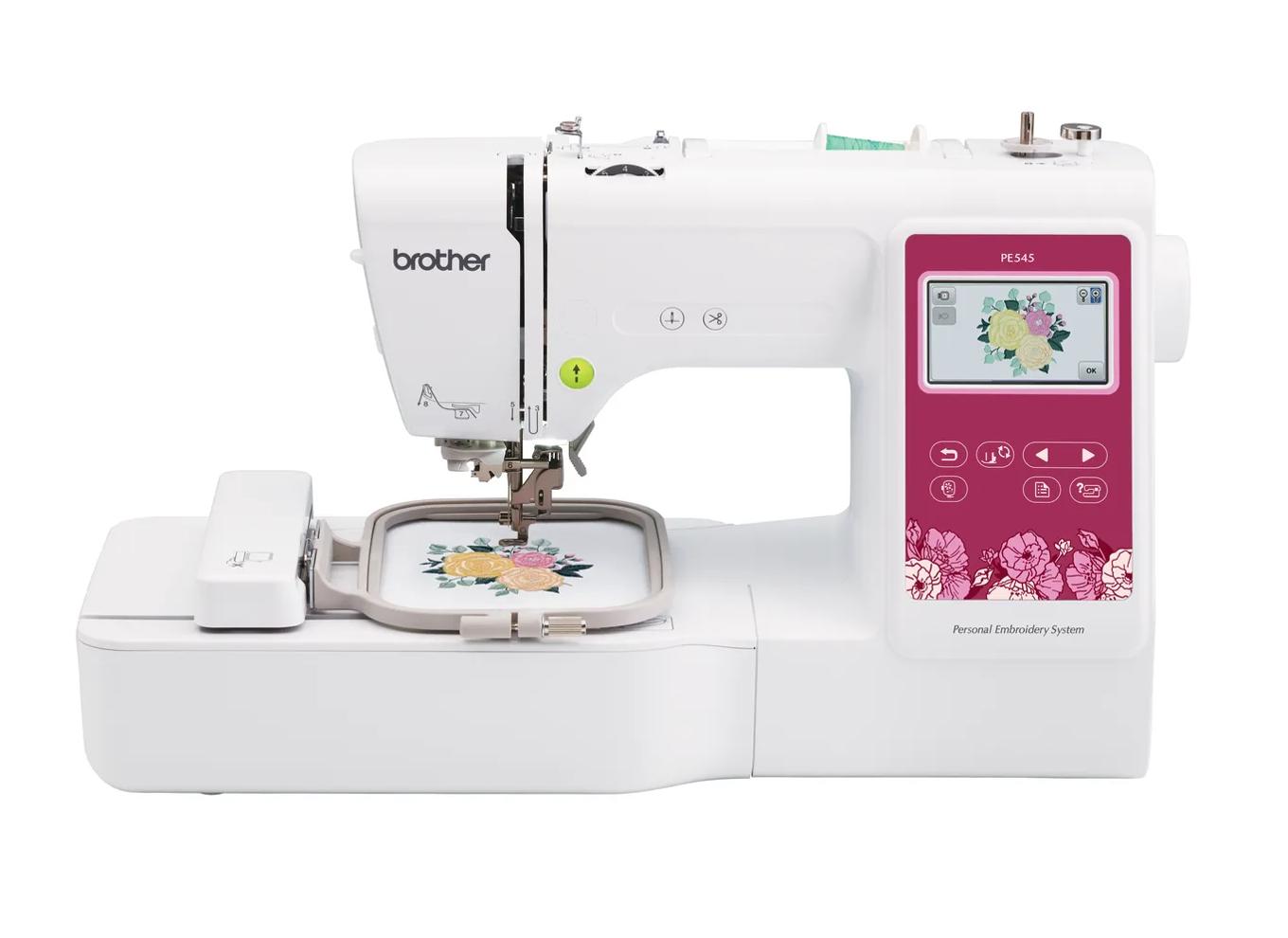 Check price
Brother PE545
4 × 4 in · Embroidery only · Wi-Fi
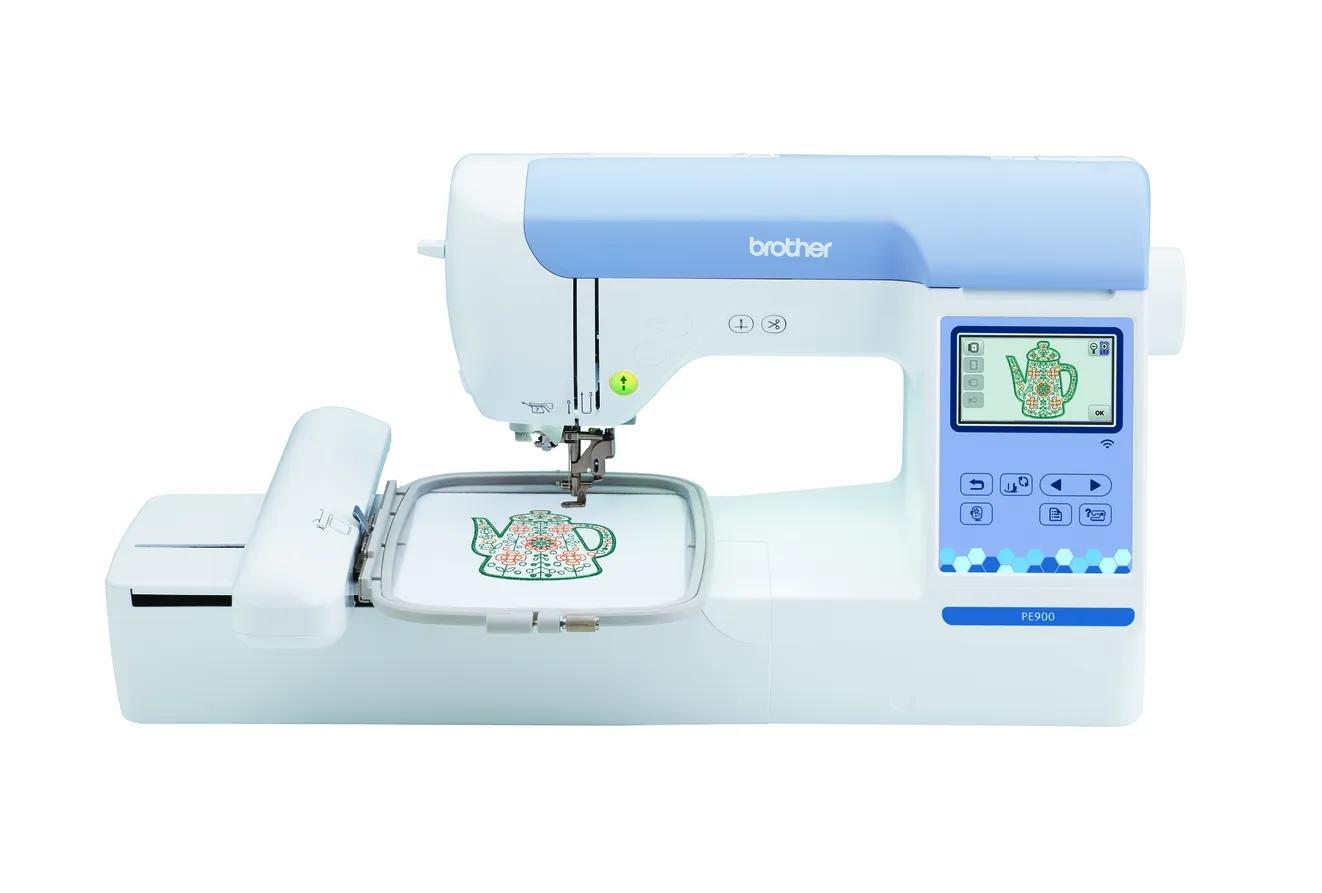 Check price
Brother PE900
5 × 7 in · Embroidery only · Wi-Fi
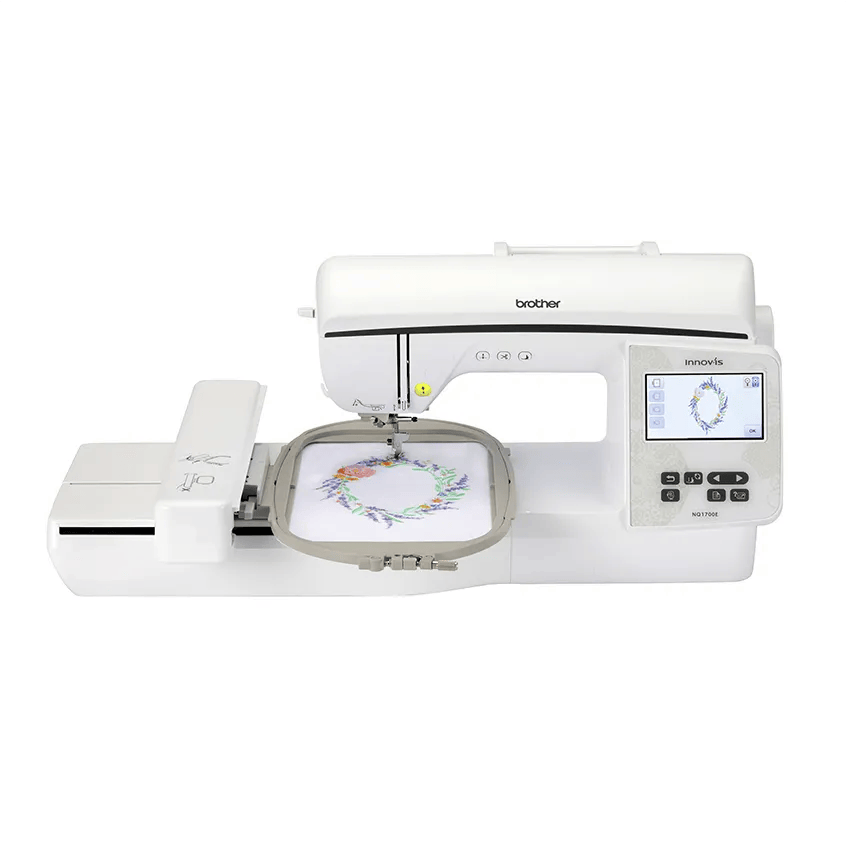 Check price
Brother NQ1700E
6 × 10 in · Embroidery only · Wi-Fi
Quick answer
Stitching time is the stitch count divided by your machine’s effective speed, which is its maximum speed times a realistic efficiency. Then add color changes (on a single-needle machine, you rethread by hand for each one) and hooping and setup. In our example, a 15,000-stitch, eight-color 5 × 7 design on a 650 spm machine works out to about 51 minutes from hooping to unhooping, not the 23 minutes the top speed suggests.
- Formula: stitch count ÷ (max speed × efficiency), plus color changes, plus setup and finishing.
- Brother’s listed speeds (400, 650 and 850 spm on the PE545, PE900 and NQ1700E) are maximums. Treat them as ceilings.
- On a single-needle machine, every color is a manual thread change, which can add as much time as the stitching itself.
Jump to a section
The number on the machine box, stitches per minute, is the easiest figure to find and the least useful on its own. Real embroidery time includes thread changes, trims, slow sections, hooping and finishing. If you’re planning a gift deadline or quoting an order, you need all of them.
This guide gives you a formula, explains each part and works through examples on three Brother machines with different speeds and hoop sizes. All stitch counts, color counts and minutes below are examples for the math. Run your own numbers in the stitch time calculator.
The formula
Total time = stitching time + color change time + setup and finishing time
Where:
- Stitching time = stitch count ÷ effective speed
- Effective speed = maximum speed (spm) × efficiency
- Color change time = number of color changes × minutes per change
- Setup and finishing = hooping, placement, loading the design, unhooping, removing stabilizer, trimming and pressing
A design with 8 colors has 7 color changes. If the design repeats a color, count each time it comes back, unless your software or machine has combined them.
Why maximum speed is a ceiling, not a prediction
Brother lists the PE545 at up to 400 stitches per minute, the PE900 at up to 650 and the NQ1700E at up to 850. Those are maximums. A machine doesn’t hold top speed through a whole design.
Several things pull the real speed down:
- Short stitches, satin columns and small lettering
- Jumps and trims between sections
- Thread breaks and bobbin changes. Madeira lists machine speed among the factors in thread breaks.
- Specialty thread. Sulky and Madeira both say to slow down for metallic thread.
- You. Stopping to check placement, trim a jump by hand or fix a nest.
That’s why the calculator uses an efficiency factor. Its default of 80% is a planning assumption, not a measured figure. Your real number depends on your designs and your machine.
How to find your own efficiency
- Load a typical design and note its stitch count.
- Time only the stitching, excluding color changes and setup.
- Efficiency = (stitch count ÷ stitching minutes) ÷ max speed.
For example, if a 10,000-stitch design takes 20 minutes of stitching on a 650 spm machine: 10,000 ÷ 20 = 500 spm, and 500 ÷ 650 = 77%. Use that in future estimates.
Color changes: the hidden time on single-needle machines
Home embroidery machines like the PE545, PE900 and NQ1700E are single needle. For every new color, the machine stops and you cut the old thread, rethread the new one and restart. Even with automatic needle threading, it’s hands-on time.
A multi-needle machine works differently. Brother lists the PR680W with six needles, so a design with six or fewer colors can run without stopping for thread changes once all six are threaded. Designs with more colors than needles still need a manual rethread partway through.
Brother lists features that reduce trimming on its home machines: an automatic thread cutter on the PE545, jump stitch trimming on the PE900 and an automatic thread trimming system on the NQ1700E. They cut down on scissor work, but they don’t remove the rethreading at each color change.
Example: at an example 1.5 minutes per change, a 10-color design adds 13.5 minutes of rethreading. That can be as long as the stitching on a small design. More on the trade-off in single-needle vs multi-needle machines.
Setup and finishing
Setup is everything before the first stitch: marking placement, hooping the fabric and stabilizer, attaching the hoop, loading and positioning the design. Finishing is everything after: unhooping, trimming, removing stabilizer and pressing.
For a single gift, setup can take longer than the stitching. For a batch, you can save time by marking all the pieces first, cutting all the stabilizer at once and hooping the next item while the current one stitches (if you have a second hoop). Time a real piece and write the number down.
Our hooping guide and placement guide cover the setup steps.
Worked examples: 4 × 4, 5 × 7 and 6 × 10
These examples use each machine’s maximum speed as Brother lists it, an assumed 80% efficiency and an example 1.5 minutes per color change. The designs, colors and setup times are examples sized to each hoop.
| 4 × 4 on PE545 | 5 × 7 on PE900 | 6 × 10 on NQ1700E | |
|---|---|---|---|
| Brother’s max speed (ceiling) | 400 spm | 650 spm | 850 spm |
| Example stitch count | 8,000 | 15,000 | 30,000 |
| Stitching at max speed (ceiling only) | 20.0 min | 23.1 min | 35.3 min |
| Effective speed at 80% | 320 spm | 520 spm | 680 spm |
| Stitching at 80% | 25.0 min | 28.8 min | 44.1 min |
| Example colors (changes) | 5 (4) | 8 (7) | 10 (9) |
| Color change time | 6.0 min | 10.5 min | 13.5 min |
| Example setup and finishing | 10 min | 12 min | 15 min |
| Estimated total | 41 min | 51 min | 73 min |
What the examples show
- The ceiling misleads. The 5 × 7 design looks like 23 minutes at top speed. Hooping to unhooping, the estimate is about 51 minutes.
- Non-stitching time is a big share. On the 4 × 4 example, color changes and setup are 16 of the 41 minutes.
- Bigger hoops mean bigger designs. The 6 × 10 machine is faster, but a design filling the larger field has more stitches, so it still takes longer.
Same design, different machines
Speed has a clearer effect when the design is the same. Take one 15,000-stitch, eight-color design, stitch time only, ignoring whether it fits each hoop:
| Machine (max speed) | Stitching at 80% | Plus 7 color changes | Total before setup |
|---|---|---|---|
| PE545 (400 spm) | 46.9 min | 10.5 min | 57.4 min |
| PE900 (650 spm) | 28.8 min | 10.5 min | 39.3 min |
| NQ1700E (850 spm) | 22.1 min | 10.5 min | 32.6 min |
Going from 400 to 650 spm saves about 18 minutes here. Going from 650 to 850 saves about 7. The color changes stay the same on every single-needle machine.
Does stitch count affect whether a design will load?
Yes, it can. Brother’s support article on designs that aren’t recognized lists a maximum stitch count by hoop size: 30,000 for 4 × 4, 50,000 for 5 × 7 and 150,000 for 6 × 10. Brother’s operation manuals give different figures (up to 100,000 stitches per pattern for the PE545 and up to 200,000 for the PE900), so check your own manual. Very large designs take a long time anyway, so the stitch count is worth checking for both reasons.
Planning batches and deadlines
For an order of several items, multiply the per-item estimate, then add a buffer. Using the 5 × 7 example: 10 shirts × 51 minutes is about 8.5 hours.
On a single-needle machine, much of that time needs you nearby for color changes. That limits how many items you can make in a day, which matters for pricing. Impressions describes a pricing approach built on how many stitches a shop can run per hour, and the same thinking applies at home: your capacity sets your income ceiling. See how to price machine embroidery and is an embroidery business worth it?.
When you promise a delivery date:
- Use a range, not a single number. Run a fast and slow scenario in the calculator.
- Leave room for a redo in case a piece is ruined.
- Don’t quote from maximum speed.
How to make embroidery faster
- Choose designs with fewer colors where you can, especially on a single-needle machine.
- Combine repeated colors. Brother lists color sort on the PE900, which can reduce changes when you combine designs.
- Batch your setup: mark, cut stabilizer and prep blanks together.
- Keep a second hoop to hoop the next item while one stitches.
- Use the right hoop size. A smaller hoop for a small design is quicker to hoop.
If you’re still choosing a machine, our 4 × 4 vs 5 × 7 hoop guide and the machine finder can help. Compare specs on the Brother PE545, Brother PE900 and Brother NQ1700E pages.
Spec comparison
| Model | Field | Type | Designs | Max speed | Transfer | Shop |
|---|---|---|---|---|---|---|
| Brother PE545 | 4 × 4 in | Embroidery only | 135 | 400 spm | USB, Wi-Fi, Artspira app | Check price ↗ |
| Brother PE900 | 5 × 7 in | Embroidery only | 193 | 650 spm | USB, Wi-Fi, Artspira app | Check price ↗ |
| Brother NQ1700E | 6 × 10 in | Embroidery only | 258 | 850 spm | USB, Wi-Fi, Artspira app | Check price ↗ |
Frequently asked questions
How long does it take to embroider a shirt?
It depends on the stitch count, colors and machine. In our example, a 15,000-stitch, eight-color design on a 650 spm machine takes about 51 minutes including hooping and color changes, while a small one-color name can take well under half that.
How many stitches per minute does a home embroidery machine do?
Brother lists maximums of 400 spm for the PE545, 650 spm for the PE900 and 850 spm for the NQ1700E. Real output is lower because of trims, jumps, short stitches and stops.
How do I find a design’s stitch count?
Designers usually list it on the design page, and your machine shows it once the design is loaded. Embroidery software also displays it.
Does a faster machine save a lot of time?
Less than you might expect on small, multi-color designs, where color changes and hooping take much of the time. Speed matters more on large, dense designs with few colors.
Why is my embroidery slower than the machine’s top speed?
Maximum speed is a ceiling. Short stitches, trims, jumps, lettering and satin sections, thread breaks and bobbin changes all reduce actual output.
Sources & method
This guide is compiled from manufacturer documentation and specialist sources, not hands-on testing. We link every source so you can check it. Specifications change, so confirm details against your exact model manual. How we research.